

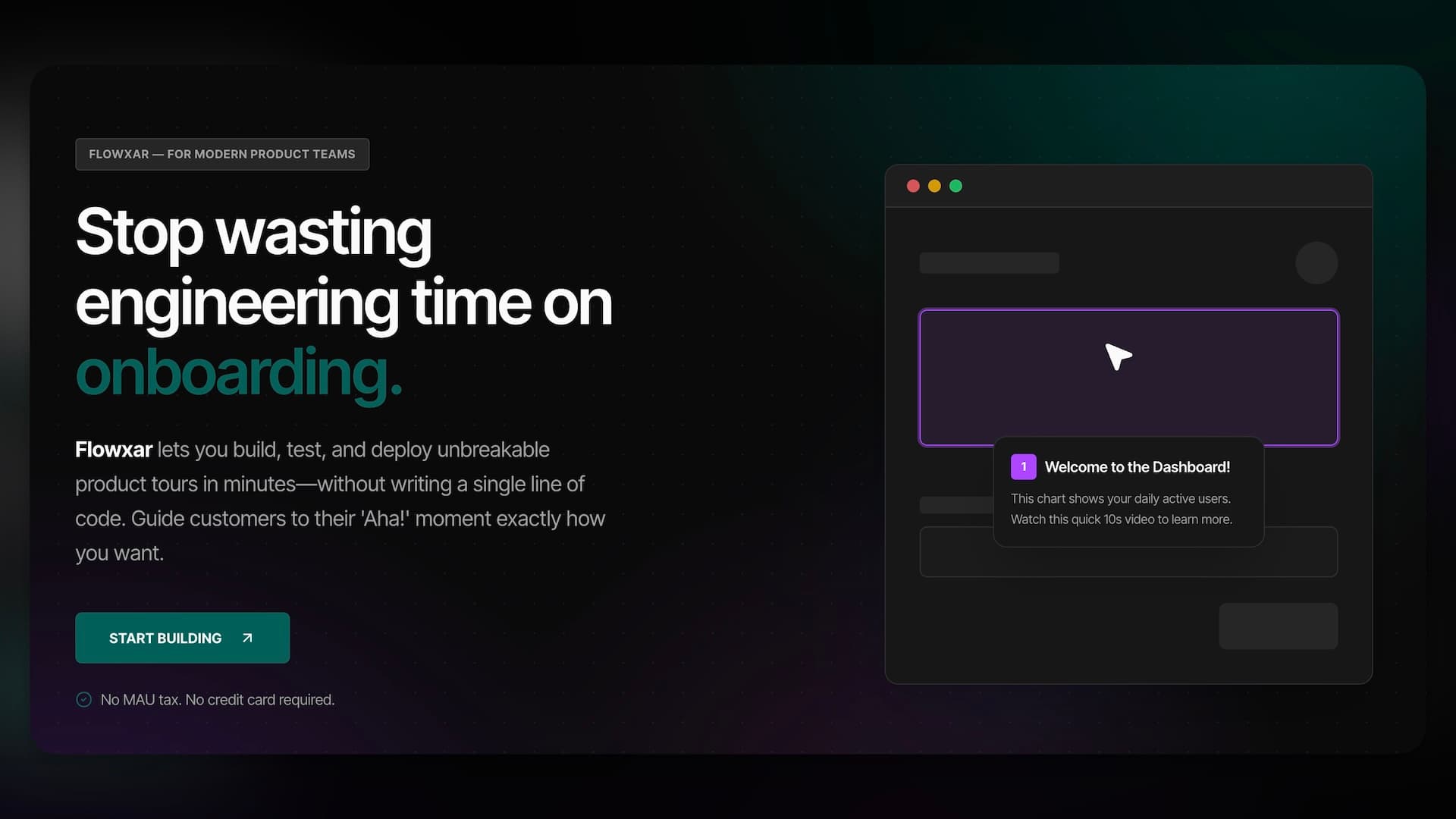
Flowxar is a no-code product onboarding platform for SaaS teams. It lets you build in-app product tours, tooltips, and interactive onboarding flows in minutes — without writing code and without paying a MAU tax that punishes you for growing.
This article covers what Flowxar is, what it does, who it's built for, and how it compares to the expensive incumbents in the onboarding space.
The Problem Flowxar Solves
Most SaaS products have a retention problem hiding in plain sight: users sign up, get confused, and leave.
The solution is good onboarding — contextual tooltips that explain features, modals that guide new users to their first "aha moment", product tours that turn signups into activated users. The data is clear: companies with structured in-app onboarding retain 50–80% more free users in the first 30 days.
The problem? The tools that do this well — Pendo, Appcues, Intercom Product Tours — cost $15,000–$25,000 per year and charge extra for every thousand monthly active users. For an early-stage SaaS product, that's not a tool cost, it's a budget line that competes with your entire marketing spend.
Flowxar was built to close that gap: enterprise-quality onboarding flows, no-code builder, flat-rate pricing.
What You Can Build with Flowxar
Flowxar gives you five step types to build any onboarding experience:
Tooltips
Anchored callouts that point to specific UI elements. Perfect for explaining what a button does, highlighting a new feature, or guiding users through a complex form. Tooltips follow the element even if the page layout shifts — Flowxar's Auto-Repair Engine handles selector drift automatically.
Modals
Full-screen or centered overlay dialogs. Use modals for important announcements, welcome messages, or mandatory onboarding steps that need the user's full attention before they proceed.
Spotlights
A spotlight dims the rest of the page and focuses the user's attention on a single element. Ideal for first-time feature discovery — "here's the one thing you need to do first."
Banners
Non-intrusive horizontal bars at the top or bottom of the screen. Great for trial expiry notices, new feature announcements, or soft upgrade prompts.
Multi-Step Sequences
Any combination of the above, chained in order. Build a 5-step product tour that walks a new user from signup to their first value moment — with progress indicators, back/next navigation, and skip options.
Key Features
No-Code Visual Builder
Everything is built inside the Flowxar dashboard. Click "Create Flow", choose your step types, write your copy, configure your trigger, and publish. No code changes required after the initial snippet installation.
The builder includes:
- Drag-and-drop step reordering
- Live preview of how the flow renders on your site
- Custom themes with your brand colors and fonts
- The ability to remove Flowxar branding entirely (Pro+)
AI Magic Write
Write better onboarding copy faster. Flowxar's Magic Write feature generates step copy based on a short description of what you want to explain. Available on all step types — just describe the feature in one sentence and let the AI fill in the rest.
Magic Write limits:
- FreeIncluded in builderLimited usage
- Pro100 AI writes/month150/mo on annual plan
- Business500 AI writes/month750/mo on annual plan
- Enterprise2,000 AI writes/month3,000/mo on annual plan
Auto-Repair Engine (4-Tier Selector Healing)
The most common reason onboarding flows break is DOM changes — a developer updates a CSS class, and suddenly your tooltip has no element to anchor to. Flowxar's Auto-Repair Engine runs a 4-tier selector matching process:
- Primary CSS selector
- Attribute-based fallback (data-testid, aria-label)
- Text-content anchor
- Smart DOM proximity matching
When a Tier 3 or Tier 4 match succeeds, Flowxar automatically patches the stored selector — no manual maintenance required.
Step-by-Step Analytics & Health Score
Every flow gets a performance dashboard showing:
- Funnel view: Drop-off rate at each step — see exactly where users quit
- Completion rate: % of users who finish the flow
- Health Score: A 0–100 rating combining completion rate, step skip rate, and selector stability
- Conversion Goals: Track whether completing the flow correlates with a downstream action (e.g., upgrading to paid)
- Recent Sessions: See individual session replays of users going through your flow
Media Library
Every step can include rich media — images, GIFs, screen recordings, or embedded video. Flowxar includes a per-project Media Library where you upload and manage assets. Files are served from a CDN-backed storage layer.
Storage limits:
- Free50 MB
- Pro1 GB1.5 GB on annual plan
- Business5 GB7.5 GB on annual plan
- Enterprise15 GB22.5 GB on annual plan
Team Collaboration
Product tours are a team sport — PMs write the copy, designers tweak the theme, engineers install the snippet. Flowxar's collaboration features:
- Invite teammates to your workspace with role-based access (Owner, Admin, Member, Viewer)
- Comments & Review Mode: Leave inline comments on any flow for async review
- Activity Feed: Full audit log of who changed what and when
- Draft/Published states: Build and iterate on flows without affecting what end users see
Staging Environment
Test your flows on a staging URL before publishing to production. Flowxar's staging environment lets you validate the full SDK behavior — triggers, selectors, analytics — without touching live users.
How Installation Works
Installing Flowxar takes one snippet and two minutes:
<script>
window.OB_CONFIG = { projectId: 'your-project-id' };
</script>
<script src="https://flowxar.com/example.js" async></script>
Paste this before the closing </body> tag on your website. That's it. All flows you create in the dashboard are delivered automatically to your users — no redeployments, no code changes.
The SDK is Shadow DOM isolated — it will never interfere with your site's existing CSS or JavaScript.
Pricing: Flat-Rate, No MAU Tax
| Plan | Price | Projects | Flows | AI Writes |
|---|---|---|---|---|
| Free | €0 | 1 | 3 | — |
| Pro | From €29/mo | 2 | 10 each | 100/mo |
| Business | From €99/mo | 5 | Unlimited | 500/mo |
| Enterprise | From €199/mo | 10 | Unlimited | 2,000/mo |
The key differentiator: Flowxar does not charge per monthly active user. Pendo and Appcues both price based on MAUs — meaning your tool costs grow in proportion to your product's success. With Flowxar, a flat monthly fee covers unlimited end-user interactions.
Who Flowxar Is For
Flowxar is built for:
- Indie SaaS founders who want professional onboarding without a $20k/year commitment
- Product teams at SMBs (5–50 people) who need collaboration features without enterprise overhead
- Growth teams running A/B tests on onboarding copy and flows
- Customer Success teams reducing support tickets by proactively guiding users
Flowxar is not the right fit for large enterprises requiring SAML SSO, SOC2 certification, or fully custom infrastructure — there are better tools for that use case.
Getting Started
- Create a free account — no credit card required
- Create your first project and paste the snippet
- Build your first flow in the visual builder
- Publish and watch your activation rate improve
The entire setup — from signup to first live flow — takes under 15 minutes for most teams.